Why Your Business Needs Email Automation
Let’s face it: manually sending individual emails to every lead, customer, and abandoned cart is not only exhausting—it’s inefficient. For small to medium-sized businesses (SMBs), particularly in e-commerce, hospitality, and entertainment, time is your most valuable asset. If you’re spending hours crafting generic blasts that fail to engage, you’re losing revenue.
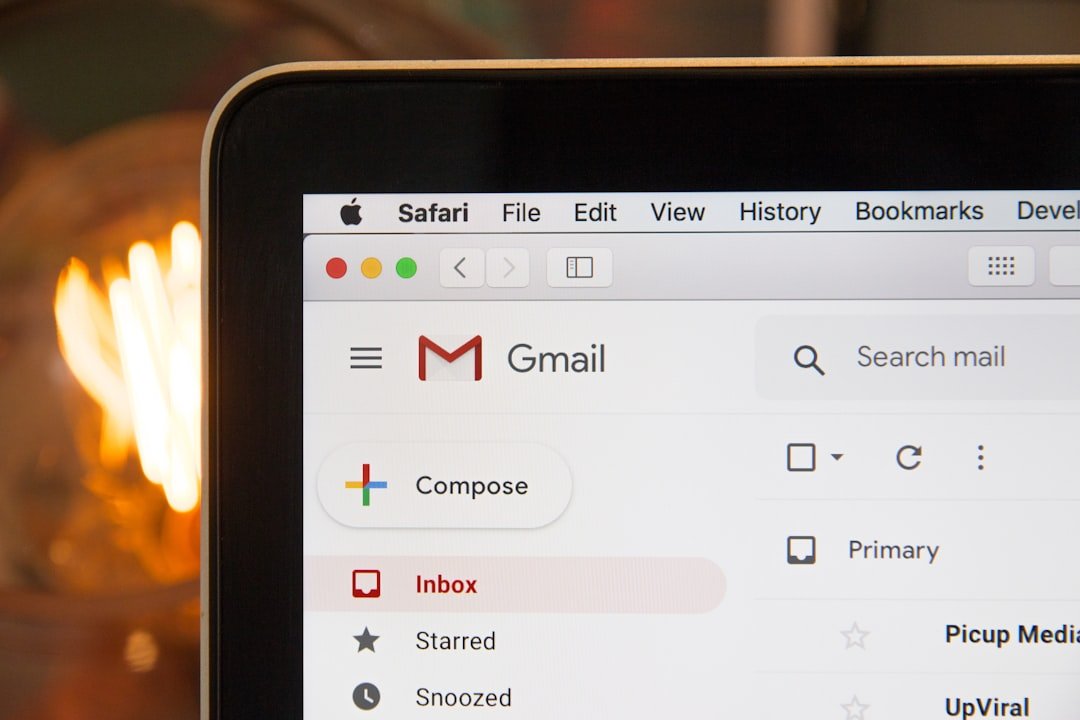
Photo by Stephen Phillips – Hostreviews.co.uk on Unsplash
Email automation is the solution. It allows you to send the right message to the right person at the exact moment they are most likely to convert—without you lifting a finger after the initial setup. As a compact digital agency, we at Extra Web Solutions have seen firsthand how automated workflows transform chaotic marketing efforts into streamlined revenue engines. This guide will walk you through setting up the three most critical workflows: welcome series, abandoned cart recovery, and post-purchase follow-ups.
The Foundation: Setting Up Your Workflow Structure
Before diving into specific emails, you need a solid infrastructure. Automation isn’t just about “sending emails”; it’s about creating a logic-based system that reacts to user behaviour.
Here is how to structure your setup:
- Choose Your Tool: Platforms like Klaviyo, Mailchimp, or HubSpot are excellent starting points. We often recommend tools that integrate seamlessly with your CRM to ensure data flows smoothly.
- Segment Your Audience: Don’t send a welcome email to a repeat customer. Segment lists based on behaviour (e.g., new subscribers vs. existing customers) and demographics.
- Define Triggers: What action starts the workflow? Is it a form submission, a product view, or a specific date?
- Map the Journey: Visualise the path you want the customer to take. For example: Sign up -> Receive Welcome Email -> Browse Products -> Receive Abandoned Cart Email -> Purchase -> Receive Follow-Up Email.
Pro Tip: If you are unsure how to integrate these automations with your current website or e-commerce platform, our Email Development & Integrations service is designed to handle the technical heavy lifting, ensuring your workflows run flawlessly alongside your custom site.
Workflow 1: The Welcome Series (Your Digital Handshake)
First impressions matter. When a new subscriber joins your list, they are showing interest, but they aren’t ready to buy yet. A welcome series is not just a single email; it is a sequence designed to nurture leads and introduce your brand value.
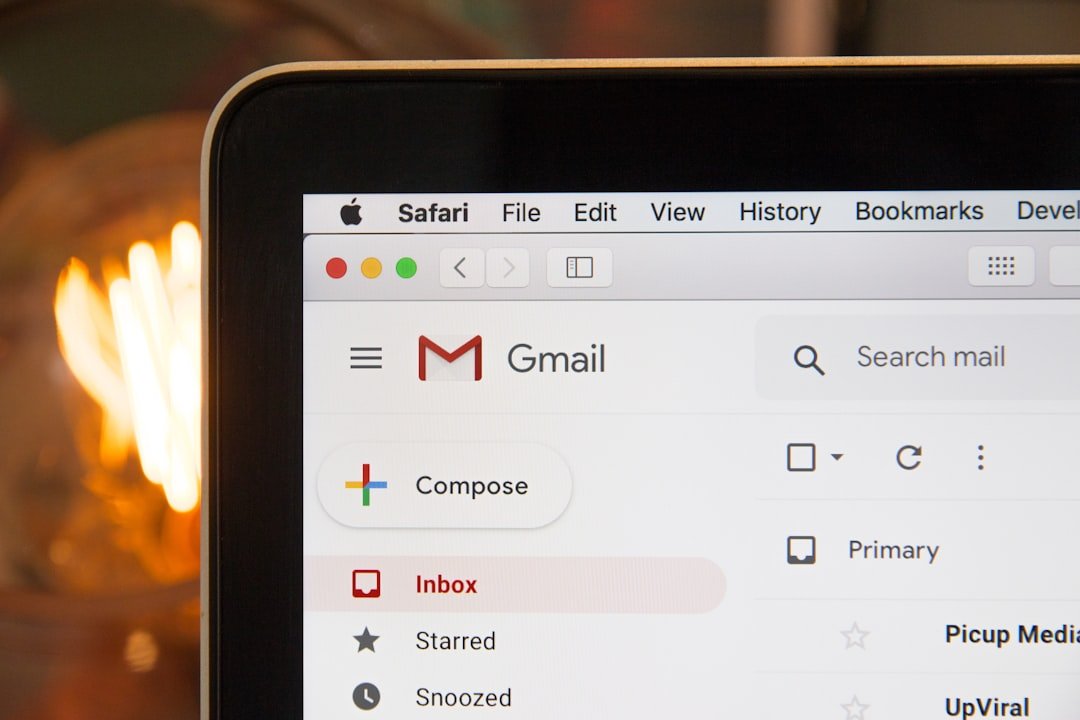
Photo by Stephen Phillips – Hostreviews.co.uk on Unsplash
Why it matters: Automated welcome emails generate significantly higher open rates than standard promotional emails. They set the tone and build trust.
The Workflow:
- Trigger: User subscribes or creates an account.
- Email 1 (Immediate): Send a warm welcome. Introduce your brand story and set expectations for future emails. Include a discount code or a free resource to incentivise the first purchase.
- Email 2 (24 Hours Later): Highlight your best-selling products or services. If you run a hospitality business, showcase your unique amenities or dining experiences.
- Email 3 (3-5 Days Later): Share social proof. Link to your case studies (like our recent one on increasing organic traffic for a hospitality client) or customer testimonials.
The Goal: Move the subscriber from “curious” to “engaged.” By the end of this series, they should understand exactly why your business is the solution to their problems.
Workflow 2: Abandoned Cart Recovery (The Revenue Rescuer)
This is arguably the highest-ROI automation you can implement. In e-commerce, the average cart abandonment rate hovers around 70%. That means 70% of your potential revenue is sitting in digital shopping carts. You cannot afford to let those customers slip away silently.
Why it matters: These leads are “hot.” They’ve already shown intent to purchase; they just got distracted, hit a shipping cost wall, or needed more time to think.
The Workflow:
- Trigger: Customer adds items to cart but exits without completing the purchase.
- Email 1 (1 Hour Later): Send a gentle nudge. “Did you forget something?” Include a clear image of the items they left behind.
- Email 2 (24 Hours Later): Add value. Offer assistance—”Do you have questions about this product?”—or highlight your return policy and customer reviews to alleviate hesitation.
- Email 3 (48 Hours Later): The urgency play. Offer a limited-time discount (e.g., 10% off) or free shipping to close the sale.
The Goal: Recover lost sales with minimal effort. This workflow turns a missed opportunity into a completed transaction, directly boosting your bottom line.
Workflow 3: Post-Purchase Follow-Ups (The Loyalty Builder)
Many businesses make the mistake of stopping communication once the sale is complete. The post-purchase period is a golden opportunity for revenue growth through upselling and customer retention. It is significantly cheaper to sell to an existing customer than to acquire a new one.
Why it matters: This workflow improves customer experience and encourages repeat business, turning a one-time buyer into a brand advocate.
The Workflow:
- Trigger: Purchase is confirmed.
- Email 1 (Immediately): The order confirmation and shipping details. This is functional but should also reinforce confidence in their decision.
- Email 2 (3-5 Days Later): The “How to get the most out of it” email. Provide tips on usage, care instructions, or complementary products.
- Email 3 (14-30 Days Later): The “We miss you” email. Request a review or offer a “loyalty discount” on their next purchase. If you offer custom plugins or apps, this is a great time to suggest an add-on service.
The Goal: Maximise Customer Lifetime Value (LTV). By nurturing this relationship, you ensure that the customer thinks of you first next time they need your services.
Measuring Success and Next Steps
Implementing these workflows isn’t a “set and forget” task; it requires monitoring and tweaking. Look at your email analytics—open rates, click-through rates, and conversion rates—to see what’s working.
- If open rates are low: Your subject lines need work.
- If click-through rates are low: Your content or call-to-action isn’t compelling enough.
- If conversions are low: Your landing page may be the bottleneck (which ties directly into your need for strong UX design).
Email automation is the most effective way to nurture leads and boost sales with minimal manual effort. It bridges the gap between your web development and your marketing strategy, ensuring that every visitor is engaged long after they leave your site.
Are you ready to stop chasing customers and start letting your systems work for you? At Extra Web Solutions, we don’t just build websites; we build the marketing infrastructure that drives profitability. Whether you need help setting up complex CRM integrations, designing responsive emails, or creating a custom workflow that fits your unique business model, we are here to help.
Don’t let another abandoned cart go cold. Contact us today or call 01482 212499 to discuss how we can automate your path to higher revenue. Let’s turn your email marketing into your most profitable sales channel.