If you run a small or medium business (SMB), your website is your hardest-working salesperson. But here’s the uncomfortable truth: a generic WordPress site with a dozen free plugins is rarely a growth engine. It’s often a digital brochure at best, and a slow, clunky liability at worst.

Photo by Nejc Soklič on Unsplash
The real power of WordPress isn’t the core software—it’s the ability to bend it to your exact business logic. That’s where custom plugin development comes in. This post explores why bespoke WordPress development matters for SMBs, how custom plugins solve real problems, and why CRM integration is the secret weapon your team is likely missing.
The Problem with a Plugin-Everything Approach
Let’s be clear: plugins are brilliant. They democratise functionality that once required a six-figure development budget. However, for growing SMBs, the “there’s a plugin for that” mindset leads to three critical issues:
- Bloated performance: Installing 20 plugins to get 10 features means loading 20 sets of scripts. This slows your site, hurts your Core Web Vitals, and tanks your SEO rankings.
- Conflicting code: Plugins from different developers often clash, causing white screens, database errors, or broken forms.
- Security vulnerabilities: Unmaintained or outdated plugins are the #1 entry point for hackers. Every extra plugin is a potential backdoor.
The solution isn’t to avoid plugins—it’s to stop forcing square pegs into round holes. If your business has a unique workflow, a custom plugin is often cleaner, faster, and more secure than a patchwork of third-party tools.
Custom Plugins: Built for Your Workflow, Not Someone Else’s
A custom plugin is a piece of software written specifically for your site. It does exactly what you need, nothing more, nothing less. For SMBs, this is a game-changer for several reasons:
- Precision functionality: Need a booking form that calculates VAT based on customer location? A custom plugin does this natively without hacky workarounds.
- Performance optimisation: You only load the code you need. This results in faster page loads, which directly correlates to higher conversion rates—a topic we explored in our recent piece on UX design and conversion.
- Total ownership: You own the code. If a third-party plugin goes premium or gets abandoned, you’re not held hostage. Your business logic remains intact.
WordPress Development: Beyond Themes and Page Builders
Many SMBs confuse “WordPress development” with “picking a nice theme.” True development is architectural. It’s about building a robust foundation that scales with your sales volume.
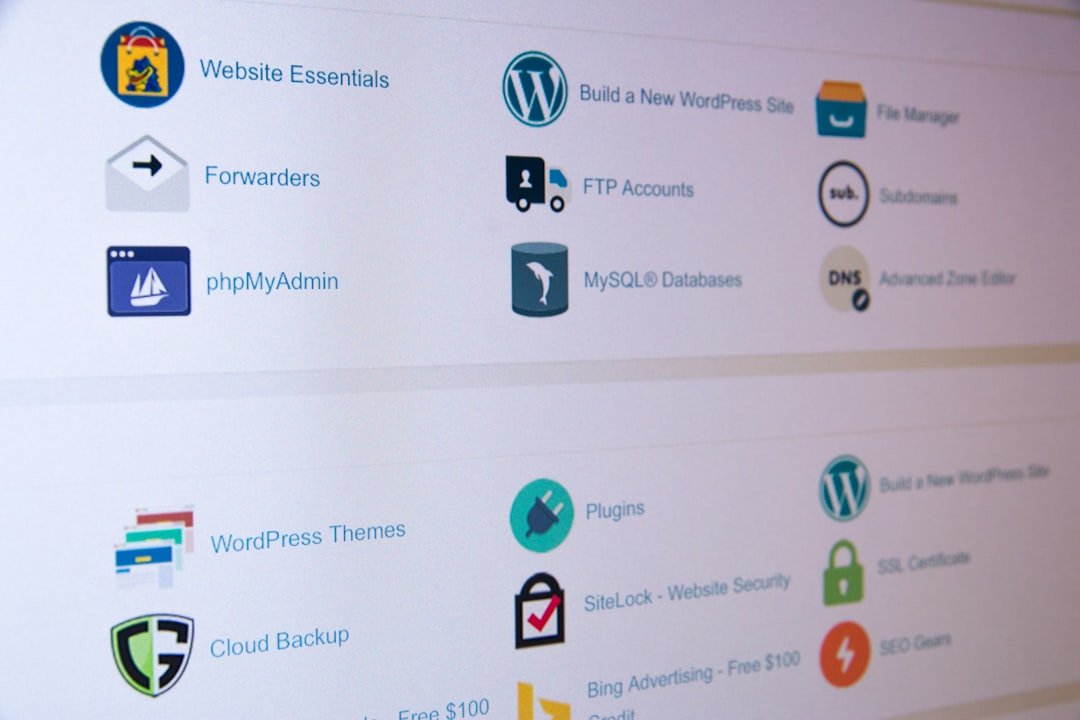
Photo by Stephen Phillips – Hostreviews.co.uk on Unsplash
This includes:
- Custom post types: Instead of forcing everything into “Blog Posts,” you can create “Properties,” “Products,” or “Case Studies” as distinct content types.
- Advanced database queries: Displaying complex data (e.g., “Show me all inventory under £500 that’s in stock”) requires custom SQL or WP_Query loops, not just drag-and-drop.
- API integrations: Connecting your site to third-party services (like payment gateways or shipping providers) requires custom endpoint handling.
When done right, WordPress development turns your site from a static asset into a dynamic operations tool.
The Missing Link: CRM Integration
You can have the best website in the world, but if your leads are trapped in a contact form email inbox, you’re losing money. This is where CRM integration becomes the most critical piece of your digital strategy.
A CRM (Customer Relationship Management) system is your source of truth for leads and customers. The problem? Most SMBs keep their website and CRM in separate silos. A custom integration bridges that gap.
Here’s what a bespoke CRM integration looks like in action:
- Automated lead capture: When a user fills out a form, their data is instantly pushed to the CRM (e.g., HubSpot, Salesforce, or Zoho) with the correct lead source tagged.
- Two-way sync: If a sales rep updates a deal stage in the CRM, that status can reflect on the user’s dashboard or portal on your site.
- Personalised content: By pulling CRM data (with permission), your site can display tailored content. For example, returning customers see their order history or exclusive pricing.
This integration isn’t just a “nice-to-have”—it’s the engine that powers your marketing. For example, if you’re running an email campaign, you need accurate, real-time data from your CRM to segment effectively. As we discussed in our post on email marketing best practices, personalisation is key, and personalisation starts with unified data.
The Real-World Impact: A Case in Point
We recently worked with a hospitality client who was struggling with manual booking confirmations. They had a beautiful website, but the backend was a mess of spreadsheets and email chains.
By building a custom plugin that integrated their WordPress site directly with their CRM, we achieved the following:
- Eliminated double-bookings by checking live availability against the CRM database.
- Automated confirmation emails with specific room details, pulled directly from the booking entry.
- Reduced admin time by 70%, allowing staff to focus on guest experience rather than data entry.
The result? A 150% increase in organic traffic and a significant boost in direct bookings. You can read the full breakdown in our hospitality case study. The point is that the custom development work wasn’t about making the site “prettier”—it was about making the business engine more efficient.
When Should You Invest in Custom Development?
It’s easy to say “custom is better,” but it’s not always necessary. Here’s a quick guide:
Stick with existing plugins if:
- Your needs are basic (contact form, simple gallery).
- You have a tiny budget and just need a brochure site.
- You don’t rely on the site for revenue generation.
Invest in custom plugins/development if:
- You have a complex business logic (memberships, variable pricing, multi-step workflows).
- You need specific integrations that don’t exist yet.
- You are scaling and need performance that a page builder can’t deliver.
- You handle sensitive data that requires strict security controls.
Final Thoughts: Build for the Long Game
For SMBs, the website is often the first impression and the last line of defence against competitors. Relying on a fragile stack of mismatched plugins is a gamble. Custom WordPress development and plugin creation are investments in your operational efficiency.
When you tie that tightly to your CRM, you create a closed-loop system: your site attracts visitors, converts them into leads, and your CRM nurtures them into customers. That’s not just web development—that’s business architecture.
If you’re tired of fighting with workarounds and want to build a website that actually works for you, consider looking beyond the plugin directory. Your future sales team will thank you.
Need help scoping a custom plugin or CRM integration? Contact us for a free consultation.