A website redesign is exciting. A fresh look, better structure and modern technology can make a real difference to how your business is perceived. But we regularly speak to businesses whose enquiries dropped sharply after a new site launched, because search rankings built up over years disappeared overnight.
Almost every case comes down to a handful of avoidable mistakes. Here is how to avoid them.
Before you start: record what you have
Take a snapshot of your current site’s performance so you have something to compare with after launch:
- Export a list of every URL on the current site, using your sitemap or a crawling tool.
- From Google Search Console, export your top pages and queries.
- From Google Analytics, note which pages bring the most visitors and enquiries.
- List any pages with links from other websites, because those links carry authority you want to keep.
This tells you which pages matter most and must be handled carefully.
Keep, improve or merge, but do not just delete
A redesign is a good time to remove outdated or duplicate pages, but be careful with pages that currently rank or attract visitors. If a page performs well, keep its content, or improve it, rather than replacing it with a shorter version. Sometimes designers trim text to make pages look cleaner, but that text may be exactly why the page ranks.
If several weak pages cover the same topic, merging them into one strong page is often better than keeping them all.
Map every old URL to a new one
If your page addresses change, which they often do in a redesign, every old URL needs a 301 redirect to the most relevant new page. This tells Google the page has moved permanently and passes on most of its ranking value. Redirecting everything to the homepage is not a substitute; Google treats that much like a missing page.
Create a simple spreadsheet with old URLs in one column and new URLs in the next, and check it carefully before launch.
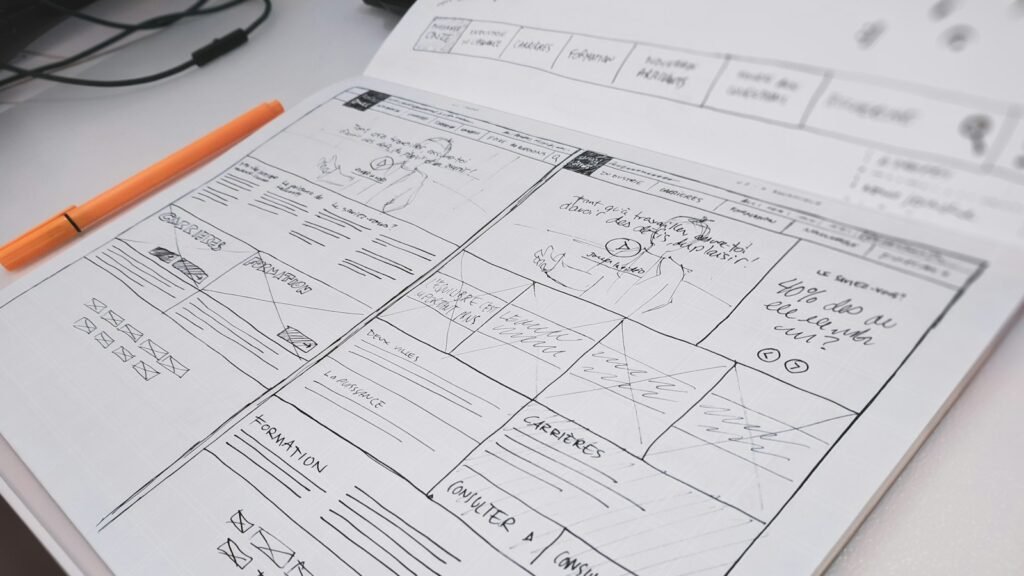
Photo by Compagnons on Unsplash
Carry over the on-page essentials
- Page titles and meta descriptions, keeping or improving the ones that work.
- Headings that describe the page content clearly.
- Internal links between related pages.
- Image alt text.
- Structured data, if your old site had it.
Check the technical details before launch
Development sites are usually hidden from search engines, which is correct. The most damaging redesign mistake is launching with that setting still switched on, which tells Google to drop every page. Before going live, check:
- There are no “noindex” tags on pages that should be indexed.
- Your robots.txt file is not blocking the whole site.
- The new site loads quickly and works well on mobile.
- HTTPS is working and there are no mixed-content warnings.
- Canonical tags point to the right pages.
After launch: test and monitor
- Test your redirects, especially for your most important old URLs.
- Submit the new sitemap in Search Console.
- Use the URL Inspection tool on your key pages.
- Watch the Page indexing report and the Performance report closely for the next few weeks.
- Fix any 404 errors as soon as they appear.
Some movement in rankings is normal while Google processes the changes. A careful migration usually settles within a few weeks; a careless one can take months to recover from.
Plan SEO from day one of your redesign
The best time to think about search is at the very start of a redesign, not the week before launch. When we rebuild websites, redirects, content migration and technical checks are part of the project plan. If you are planning a new website, talk to us early and we will help protect what you have built.