Route planning decides how much of an engineer’s day is spent working and how much is spent driving. For a heating, electrical, security or maintenance firm covering East Yorkshire, that balance matters more than in most places. A day that starts in Hull, goes out to the Holderness coast, back across to Goole and up to Driffield can easily have more hours behind the wheel than on the tools.
Most small field service firms plan routes in someone’s head, on a whiteboard or in a spreadsheet, and it works until the team grows or the phone rings with an emergency at 10am. This guide looks at what good route planning and dispatch look like for engineers working across the East Riding and Hull, what software can and cannot do, and how to get from a whiteboard to dispatch tools that do the planning for you without upsetting your engineers or your customers.
Why route planning matters more in East Yorkshire
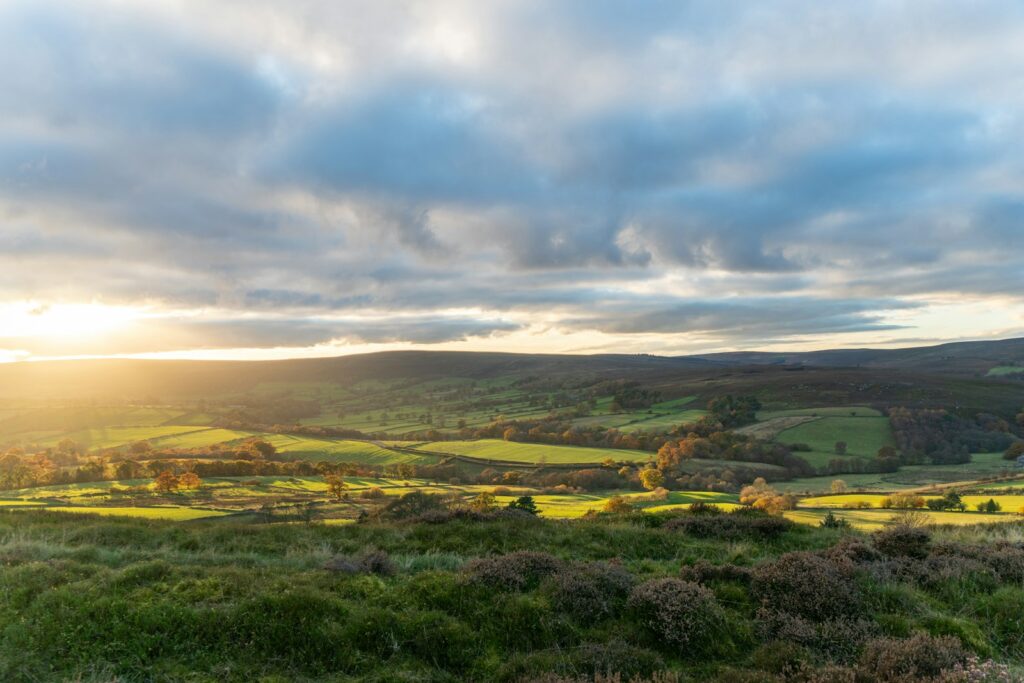
The East Riding is big and spread out. According to the council’s own key statistics for the East Riding, it covers about 930 square miles, with a coastline running 53 miles from Bempton to Spurn Point. Around 342,200 people lived there in 2021, and in 2011 the ONS classed the area as about 93% rural by area, with roughly 1.4 people per hectare. Customers are spread between Bridlington, Beverley, Goole, the Hull suburbs and a long list of villages and farms in between.
The roads are busy too. Department for Transport figures for road traffic in the East Riding of Yorkshire estimate that 2,413 million vehicle miles were driven there in 2025, a little above the 2019 figure of 2,365 million. About a quarter of that was by vehicles other than cars and taxis, such as vans and lorries. DfT notes that estimates for small areas are less precise than regional ones, but the picture is clear enough: a lot of driving, over a lot of ground.
Add jobs south of the river, which mean crossing the Humber Bridge and paying the toll, and the cost of a poorly ordered day becomes obvious. At the time of writing the toll for a car or small van is £2.00 each way, or £1.50 with an account.
Route planning, scheduling and dispatch: what is the difference?
The words are often used interchangeably, but they are different jobs, and it helps to be clear about which one is causing you pain.
- Scheduling is deciding when a job will happen, usually agreed with the customer as a date and a time window.
- Dispatch is deciding who does it, based on skills, availability and location, and making sure they have the details they need.
- Route planning is deciding the order in which each engineer visits their jobs, and the route between them, so the day fits the time available with the least wasted driving.
Good software handles all three together, because they affect each other. A customer who insists on an 8am slot in Hornsea shapes the whole day for whichever engineer takes it. We cover the scheduling and dispatch side in more detail in our guide to job scheduling and dispatch software for field service businesses.
What good route planning takes into account
A map app can find the shortest route between two places. Real route planning for a team of engineers has to weigh up much more:
- Accurate locations. Rural postcodes can cover a wide area, so a farm or a new-build plot may need a precise map pin and access notes, not just an address.
- Customer time windows. Morning or afternoon slots, school-run restrictions, and customers who can only be in after 4pm.
- Realistic job durations. A boiler service and a full fault-finding visit are not the same length, and the plan should know the difference.
- Skills and qualifications. Only engineers with the right qualifications and experience should be sent to certain jobs.
- Parts and van stock. There is no point routing someone to a job if the part is sitting in another engineer’s van.
- Start and finish points. Engineers who take vans home start the day from different places, which changes who is nearest to what.
- Breaks and safe driving. Travel time has to be realistic and include rest, not just the fastest theoretical drive.
- Slack for the unexpected. A day planned to the minute falls apart at the first overrun or emergency call.
Safe journeys are part of the plan
Route planning is not only about efficiency. Employers have a duty to manage the risks of driving for work, and the HSE’s guidance on how to plan and manage work journeys is directly relevant to anyone building a schedule. It says employers should:
- calculate journey times that allow safe driving within the speed limit, taking account of traffic, road types and conditions;
- allow enough time at each stop for the customer-facing and admin parts of the visit;
- plan routes in consultation with drivers, taking account of rest breaks and access to welfare facilities;
- avoid peak traffic where possible and plan around seasonal variations on routes;
- make sure any app used to allocate work allows breaks to be built in.

The HSE also points out that the Highway Code recommends a 15-minute break every two hours, that sleep-related incidents are most likely between 2am and 6am and between 2pm and 4pm, and that in-vehicle navigation should not be relied on because map data may be out of date. A schedule that ignores all this is not efficient. It simply moves the risk onto your engineers.
Three levels of route planning tools
1. A map app and a whiteboard
For one or two engineers who mostly work in the same area, a shared calendar, a map app and a bit of local knowledge are often enough. The person planning knows that Withernsea and Goole are at opposite ends of the county and will not put them on the same afternoon. The weakness is that everything lives in one person’s head, and it breaks down when they are on holiday or the team grows.
2. Off-the-shelf field service software
Many job management packages now include route optimisation: you give them the day’s jobs, the engineers and their constraints, and they suggest an order and an allocation. These tools are usually priced per user per month, and they suit firms whose work fits the way the software expects a job to look. Our guide to job management software for trades and field service firms in East Yorkshire looks at how to choose one.
3. Custom dispatch automation
Some firms find that off-the-shelf tools almost fit. Perhaps jobs arrive from a housing association portal, a contract customer’s system and your own website, and someone retypes them all. Perhaps your rules are particular, such as keeping one engineer free in each area for emergency call-outs. In those cases, a custom layer can pull jobs in automatically, apply your rules, suggest routes and send the results to engineers’ phones, while connecting to the systems you already use for quoting and invoicing.
An illustrative example: a Hull heating firm
Here is an illustrative example. The business is made up, but the pattern is typical of the firms we speak to.
A heating firm based in Hull has four engineers. Jobs come in by phone and email, and the office manager allocates them in the order they arrive, to whoever has space. On a typical Tuesday, one engineer starts in Withernsea, drives to Goole, then back to Hornsea. Another has two jobs in Beverley either side of a trip to Pocklington. Nobody is doing anything wrong. The plan is just built one phone call at a time.
The firm makes three changes. First, it divides the area into rough zones, such as Hull and the western villages, Holderness and the coast, the Wolds and Driffield, and Goole and Howden, and offers customers slots on the days an engineer is already nearby. Second, it records realistic durations for each job type, so the plan reflects reality. Third, it uses software to suggest each engineer’s order of visits overnight, with the office manager checking it each morning.
Emergency jobs are handled by keeping a short gap in each zone every day rather than tearing up the whole plan. How much driving this saves depends entirely on the business, but the effect should show up in the mileage records within a month or two.
Dispatch on the day: handling change
No plan survives a full day intact. A customer cancels, a job takes twice as long as expected, a van breaks down on the A164. Good dispatch makes those changes visible and easy to act on:
- engineers update job status from their phones, so the office can see who is running late without ringing round;
- customers get an automatic message when their engineer is on the way, which helps reduce missed appointments and “where is he?” phone calls;
- when a job needs moving, the system suggests who could take it, based on location, skills and remaining time;
- notes, photos and parts used are recorded at the job, so invoicing does not wait for paperwork.
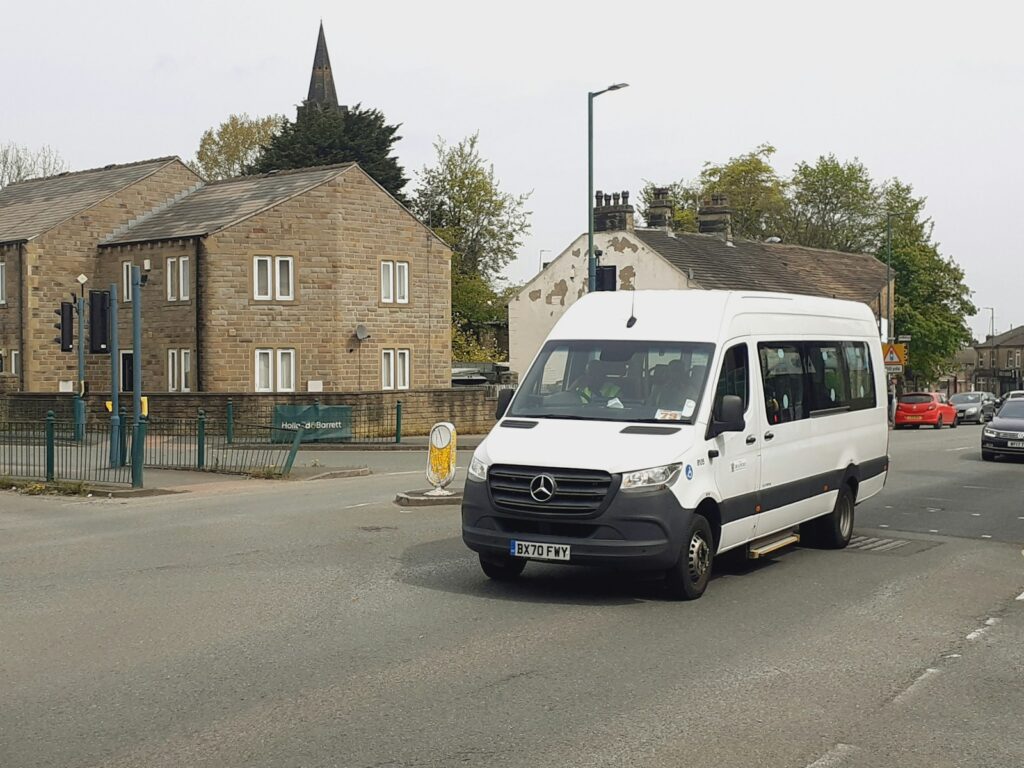
Tracking vans can help with all of this, but be open with your team about what is tracked and why. Engineers who understand that location data is used to send the nearest person to an emergency, not to time their lunch breaks, are far more likely to support it.
Get your data ready first
Route planning software is only as good as the information it is given. Before choosing or building anything, check that you have:
- clean customer records, with full addresses, postcodes and access notes;
- a list of job types with honest average durations;
- each engineer’s skills, qualifications, working hours and start location;
- agreed rules, such as which jobs need two people or which customers have priority contracts.
If that information currently lives across several spreadsheets, or in the office manager’s memory, our article on the signs your business has outgrown spreadsheets may be worth a look. Getting the data into one place, entered once and used everywhere, is the same principle behind Ops Pilot CRM, our own platform for agencies and freelancers that brings contacts, projects, tasks, invoicing and client portals together.
Common route planning mistakes
- Optimising only for miles. The shortest route is no good if it breaks customer time windows or sends the wrong engineer.
- Planning with no slack. A plan with no room for overruns or emergencies is out of date by mid-morning.
- Leaving engineers out. They know which lanes flood, which farms are hard to find and which roads slow down at certain times. The HSE expects routes to be planned with drivers, and it makes better plans.
- Never checking durations. If the plan assumes 45 minutes for a job that always takes 90, every day will run late.
- Buying software before fixing the process. Software makes a good process faster. It does not decide your rules for you.
Questions to ask a software supplier
- Can it plan around customer time windows, engineer skills and different start locations at the same time?
- How does it handle an emergency job added mid-morning?
- Can we build in breaks and adjust travel time allowances?
- What happens on rural jobs where the postcode is not precise enough?
- Will it connect to our quoting, invoicing and accounts software, or will someone retype jobs?
- Can we get our data out if we change supplier?
Route planning and dispatch: common questions
Do I need route planning software with only three engineers?
Not necessarily. If your engineers mostly work in the same area and one person plans the week comfortably, a shared calendar may be enough. Software starts to pay off when planning takes more than an hour a day, when emergencies regularly wreck the plan, or when the knowledge sits with one person.
How should we handle jobs south of the Humber?
Group them. Offering customers in North Lincolnshire set days means one crossing and one engineer covering several jobs, rather than several engineers each paying the toll for a single visit.
Will the software know the local roads?
It will know the road network and typical speeds, but not the local quirks your engineers know. The best set-ups let the office adjust the suggested plan, and record lessons, such as a site that always needs extra time, so the next plan is better.
How long does it take to set up?
Off-the-shelf tools can be running in a few weeks if your data is in good shape. A custom dispatch system takes longer, often a few months for a small firm, with most of the time spent agreeing rules and testing against real days.
The bottom line
Across a county as large and rural as the East Riding, route planning makes a real difference to how many jobs your engineers can complete, how much you spend on fuel and how tired your team is at the end of the day. Start with clean data and clear rules, involve your engineers, and choose tools that fit how you actually work.
If your engineer dispatch still runs on phone calls and a whiteboard, tell us how your days are planned or call us on +441482 212499. We will tell you honestly whether an off-the-shelf package will do the job or whether a custom set-up is worth it.